

Connect Jira to IrisAgent
-
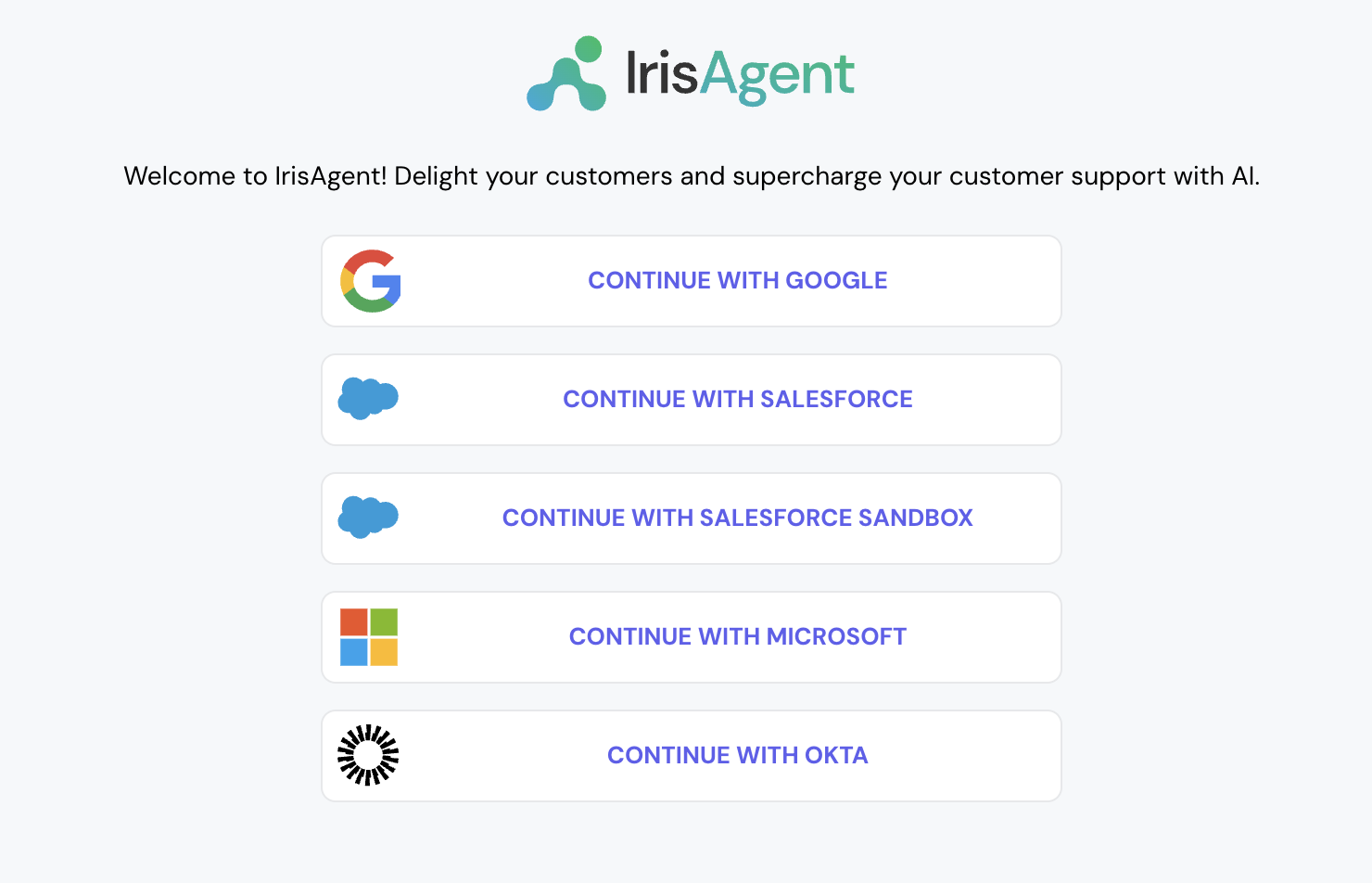
Go to the IrisAgent Dashboard and sign in with Google, Microsoft, or Okta SSO.
- Choose Jira as your ticket source:
- During onboarding: on the Connect your first data source step, choose Ticketing system, then pick Jira Service Management (the same option also works for Jira Software).
- Later, or to add Jira alongside an existing source: go to Data Sources → Ticketing System in the left navigation and pick Jira Service Management.
- Obtain a token from your Atlassian account with “write:jira-work” permissions as per the steps on the official Atlassian docs. Enter the token, email, and subdomain and click on Connect.
- To connect a second Jira account for engineering issues while keeping this Jira Service Management account as the primary ticketing source, follow Connect a second Jira account. To connect other platforms, such as Salesforce or Confluence, go to Data Sources in the left navigation and open the relevant section.
Install the IrisAgent app into your Jira account
- Navigate to IrisAgent’s listing on the Atlassian Marketplace.
- Click on Install and follow the next steps.