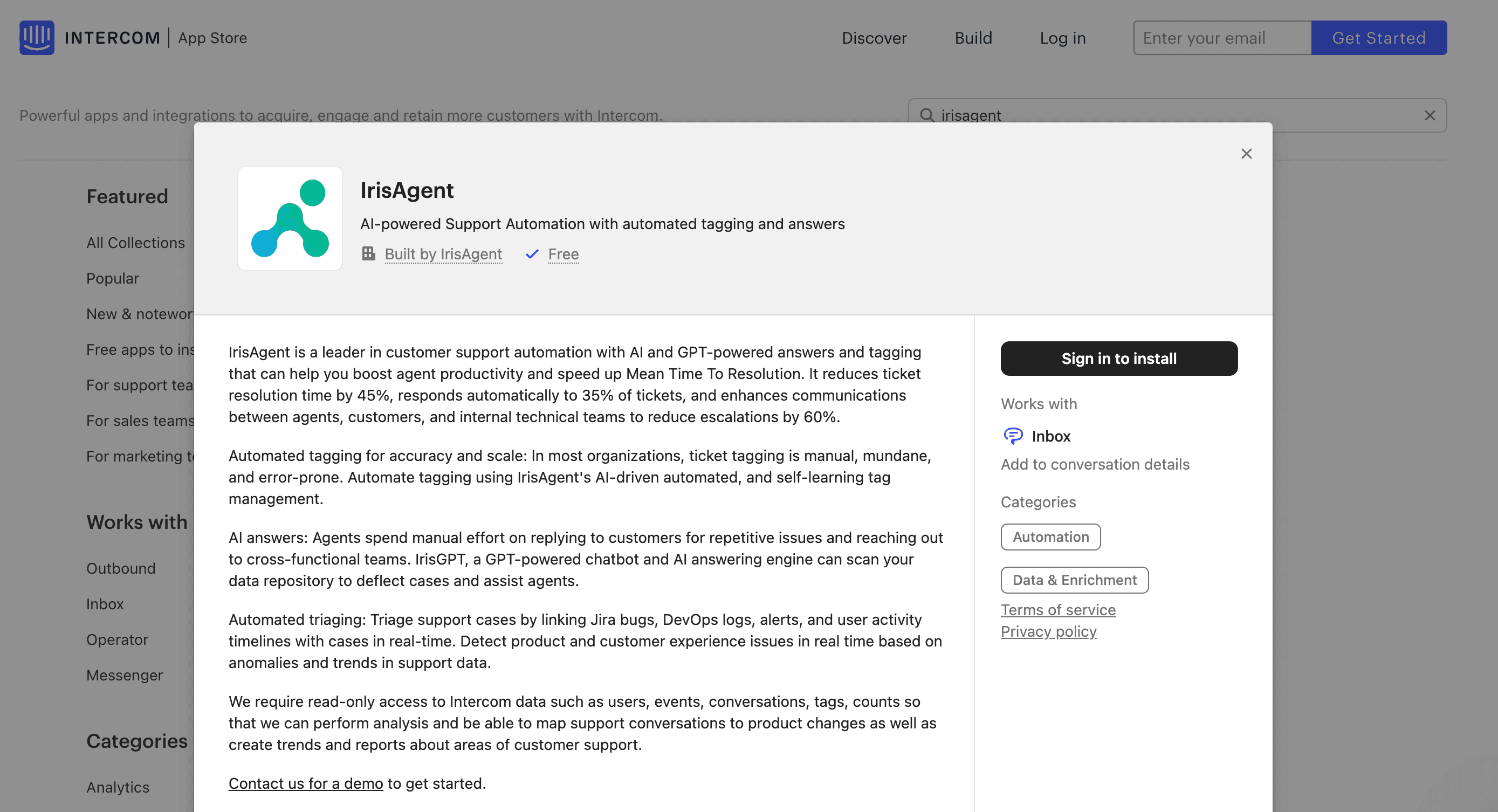
Connect Intercom to IrisAgent
-
Go to the IrisAgent Dashboard and sign in with Google, Microsoft, or Okta SSO.
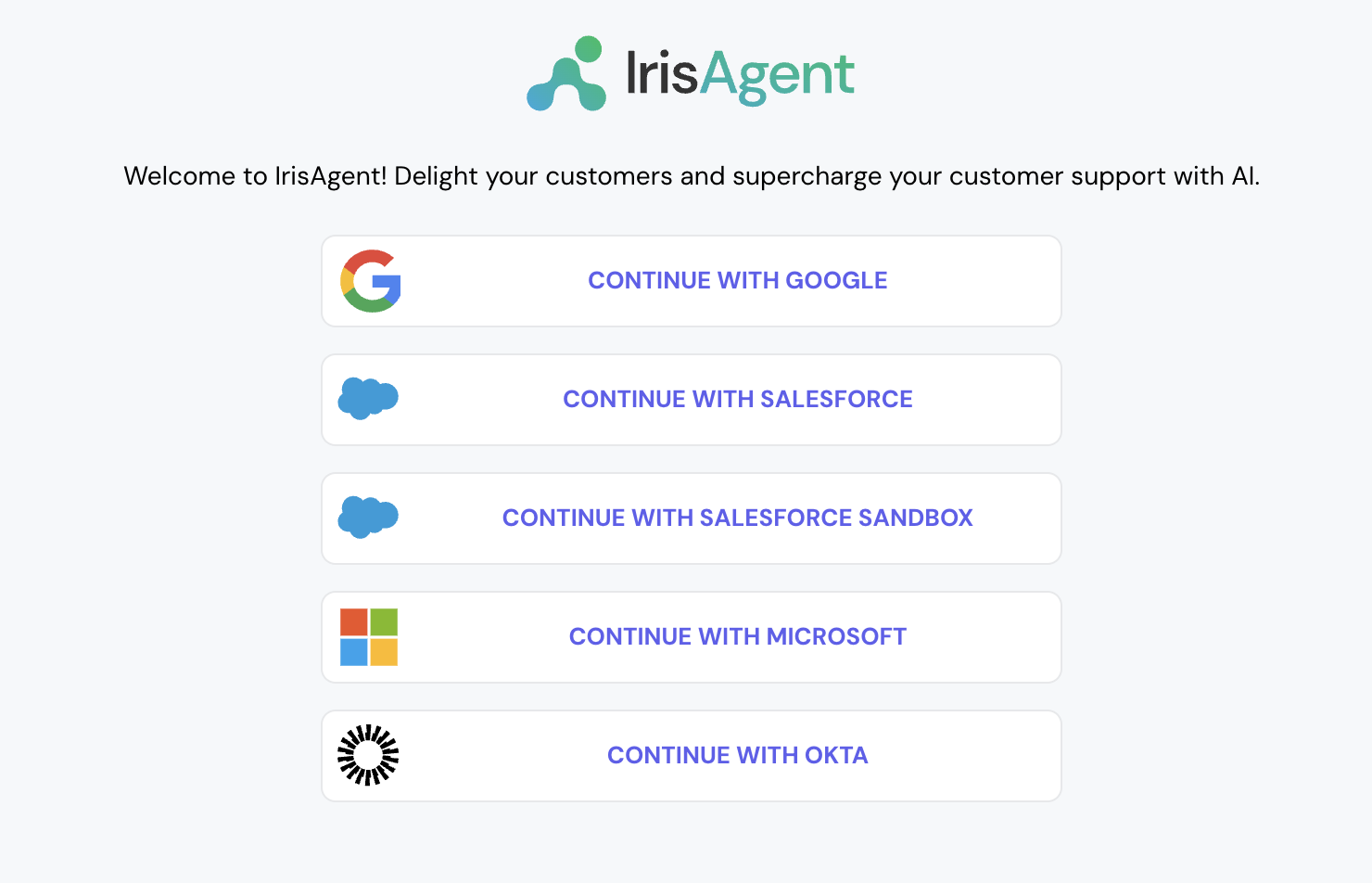
- Choose Intercom as your ticket source. Intercom uses a separate OAuth sign-in flow, so start it from Platforms in the dashboard and click Connect with Intercom.
- Give the OAuth permissions and click on Allow. This will automatically connect with both Intercom tickets and articles.
- To connect more platforms later, such as Jira, Confluence, or Salesforce, go to Data Sources in the left navigation and open the relevant section.
Install the IrisAgent app into your Intercom account
- In Intercom, open Settings → Integrations → App Store, search for IrisAgent, and open the listing. Intercom also includes IrisAgent in its third-party apps directory.
-
Click on Install and follow the next steps.