Prerequisites
- Admin access to the Microsoft Teams Admin Center
- The
irisagent-chatbot.zipapp package
Step 1: Upload the app to Teams
- Open Teams Admin Center > Manage apps.
- Click Upload new app and select
irisagent-chatbot.zip. - Follow the prompts to finish.
Step 2: Find your Tenant ID
- In the Azure Portal: Azure Active Directory > Properties > Tenant ID, or
- From the Teams Admin Center URL.
Step 3: Connect your tenant in IrisAgent
- In IrisAgent, go to Deploy > Chat channels.
- On the Microsoft Teams card, click Connect.
- Under Add New Tenant, enter your Tenant ID and click Save.
Use it in Teams
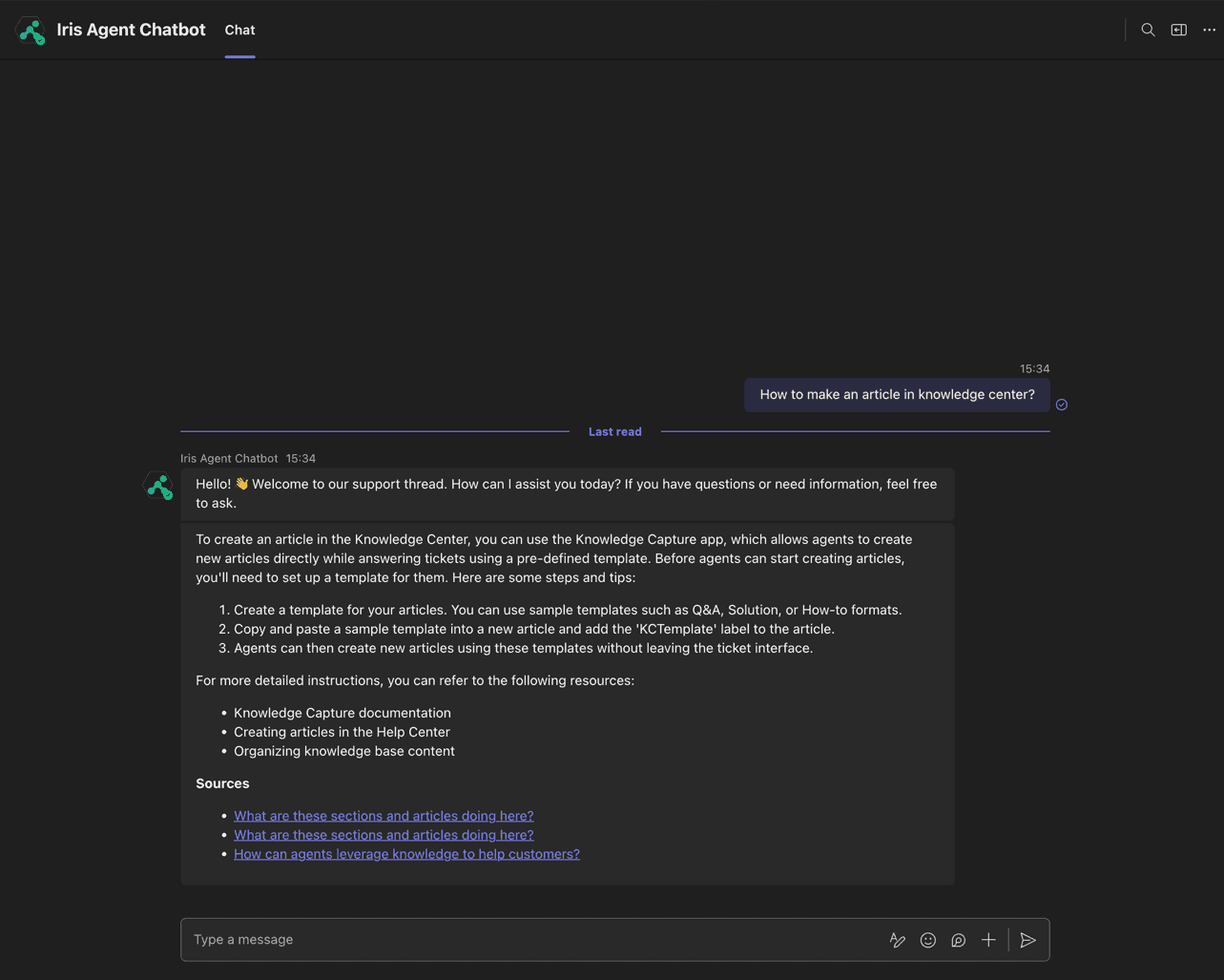
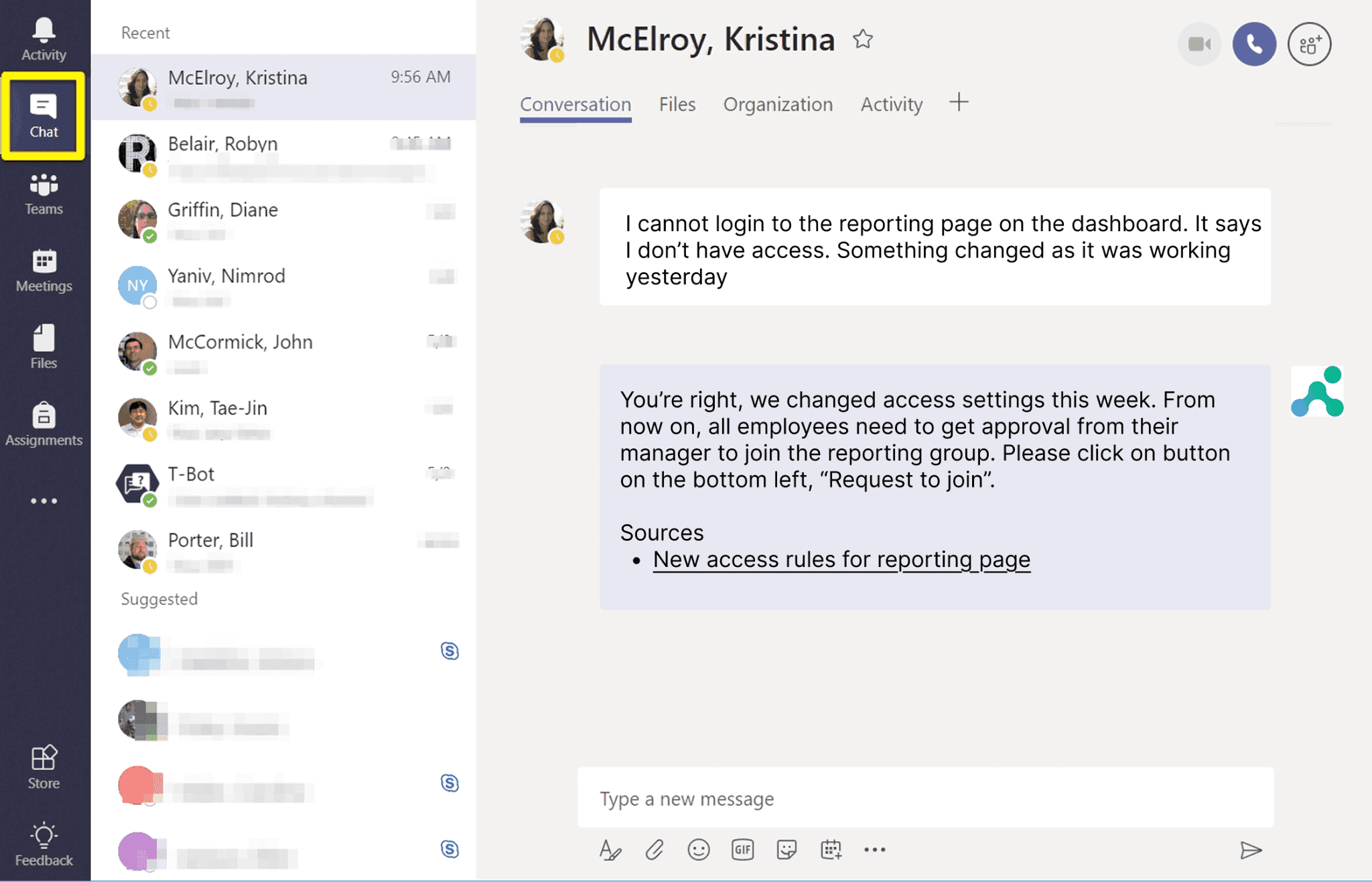
- In Teams, search apps for IrisAgent and open it.
- Start a conversation.