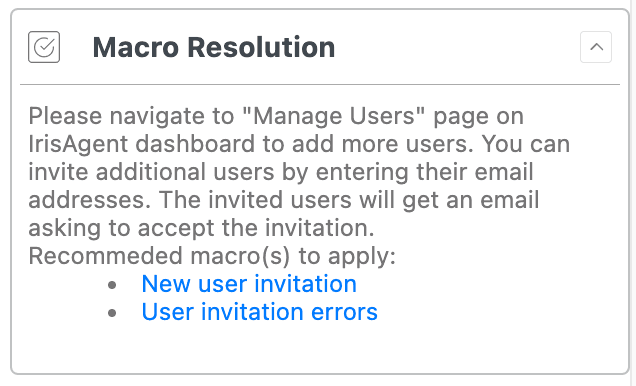
IrisAgent recommends which Zendesk macro to apply, right in the Copilot sidebar. Suggestions turn on automatically once Zendesk tickets are connected. AI to recommend and apply the right Zendesk macro

How ranking works

  1. Audit events first. IrisAgent reads Zendesk MacroReference and AgentMacroReference events on tickets it already pulls, and ranks macros that were actually applied on similar tickets.
  2. Tags as fallback. For older tickets without audit events, IrisAgent matches tags. Unique per-macro tags help but are not required.
  3. No extra LLM call. Ranking adds no model request.
Only active, non-suppressed macros with enough content are candidates. On the tag fallback, a macro must have been used at least once in the last 30 days. Votes come from solved or closed similar cases.

Optional: add unique tags

To improve ranking on tickets from before audit capture, give each Zendesk macro an action that adds a unique tag, one tag per macro. Add a unique tag on a Zendesk macro

Turn off macro suggestions

Suggestions are on by default. To turn them off, ask IrisAgent support.